Learn the fingerings
Hear sample notes and look up which holes to cover as you practice.

Android · Coming soon
Learn your first songs on a real 12-hole ocarina with fingering guides and practice that listens as you play.
Explore the app ↓
For first-time and casual players
Ocarina Time is an offline practice app for a 12-hole transverse ocarina in C. Start with how to hold it, how to breathe, and how to play C, D, and E. Then choose a song and follow the score and fingering diagrams at your own pace.
In Guided practice, the app listens on your device and moves forward when it hears the highlighted pitch. You can also step through the notes by hand.
Practice at your own pace
Hear sample notes and look up which holes to cover as you practice.
Start with ten beginner tunes or search and filter a Songbook of 150 solo ocarina arrangements.
Follow the notation and animated fingerings with reference playback at an adjustable tempo.
Bookmark favorites in My Songs and resume a lesson when you’re ready.
From the current Android preview
Open any screenshot to see it full size.
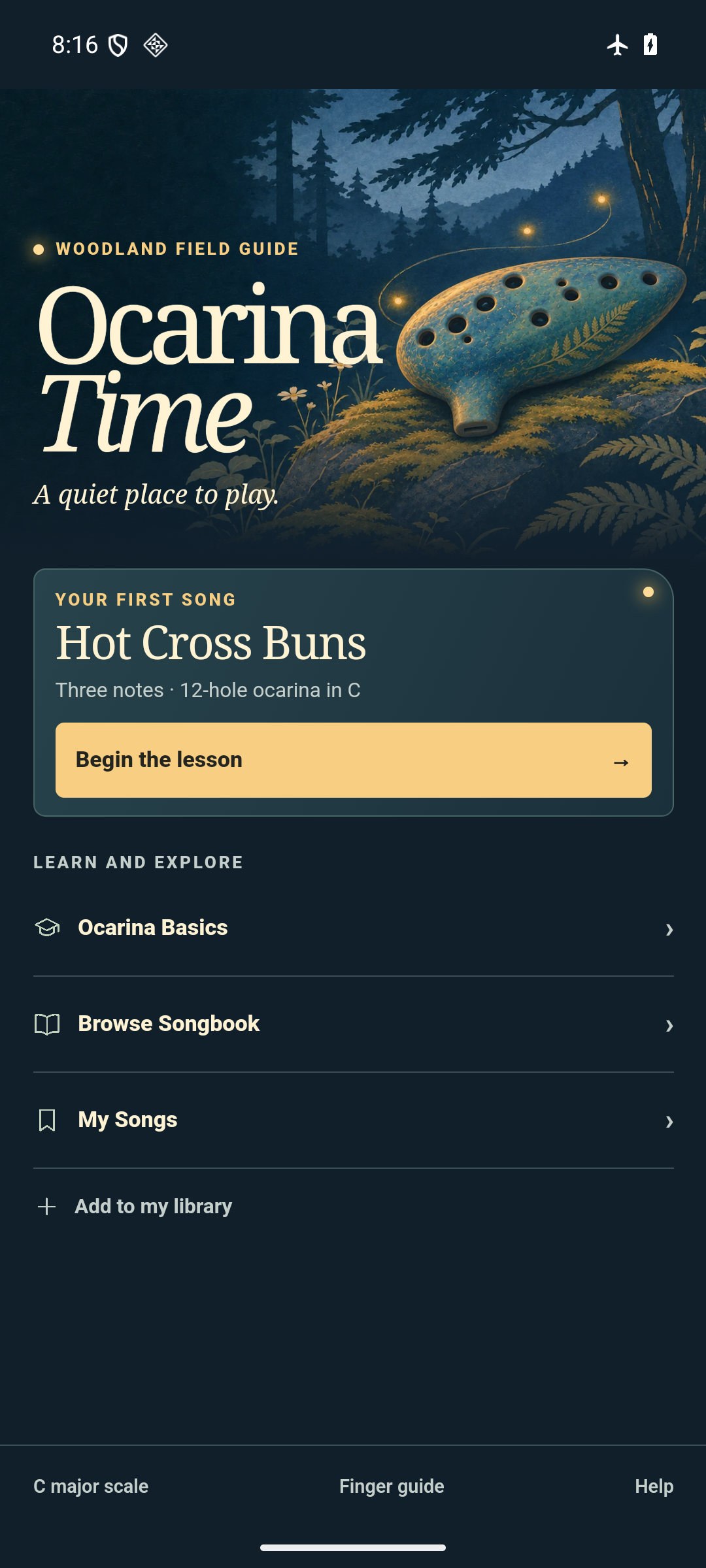
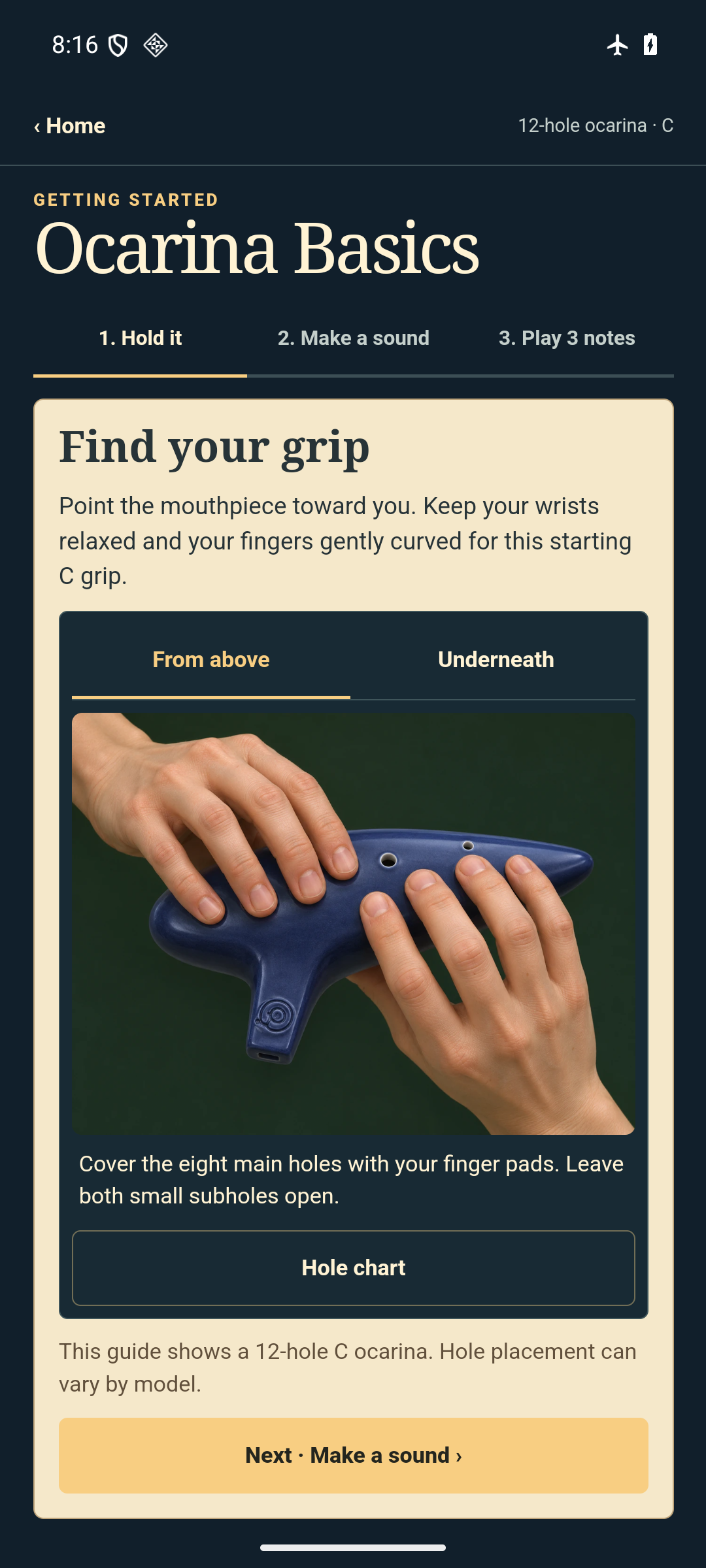
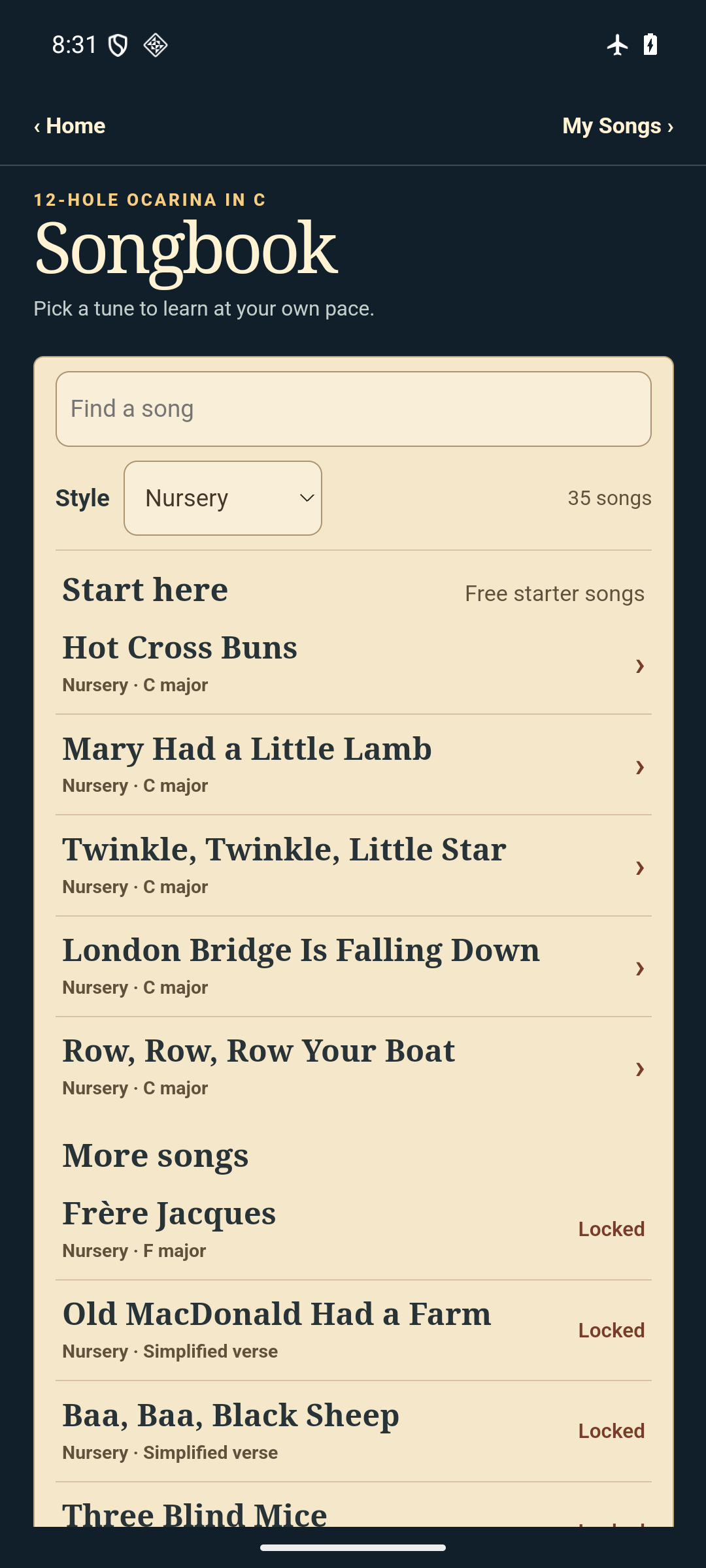
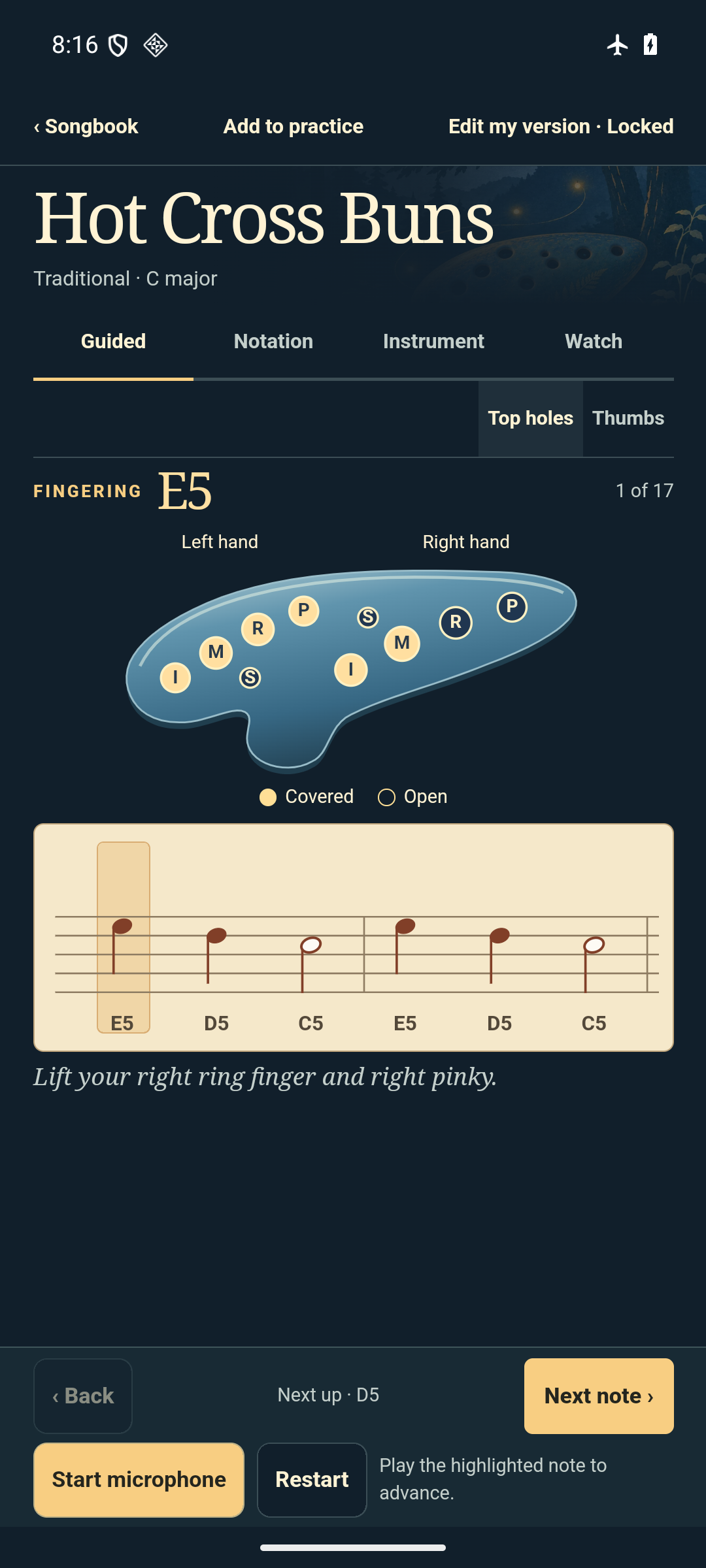
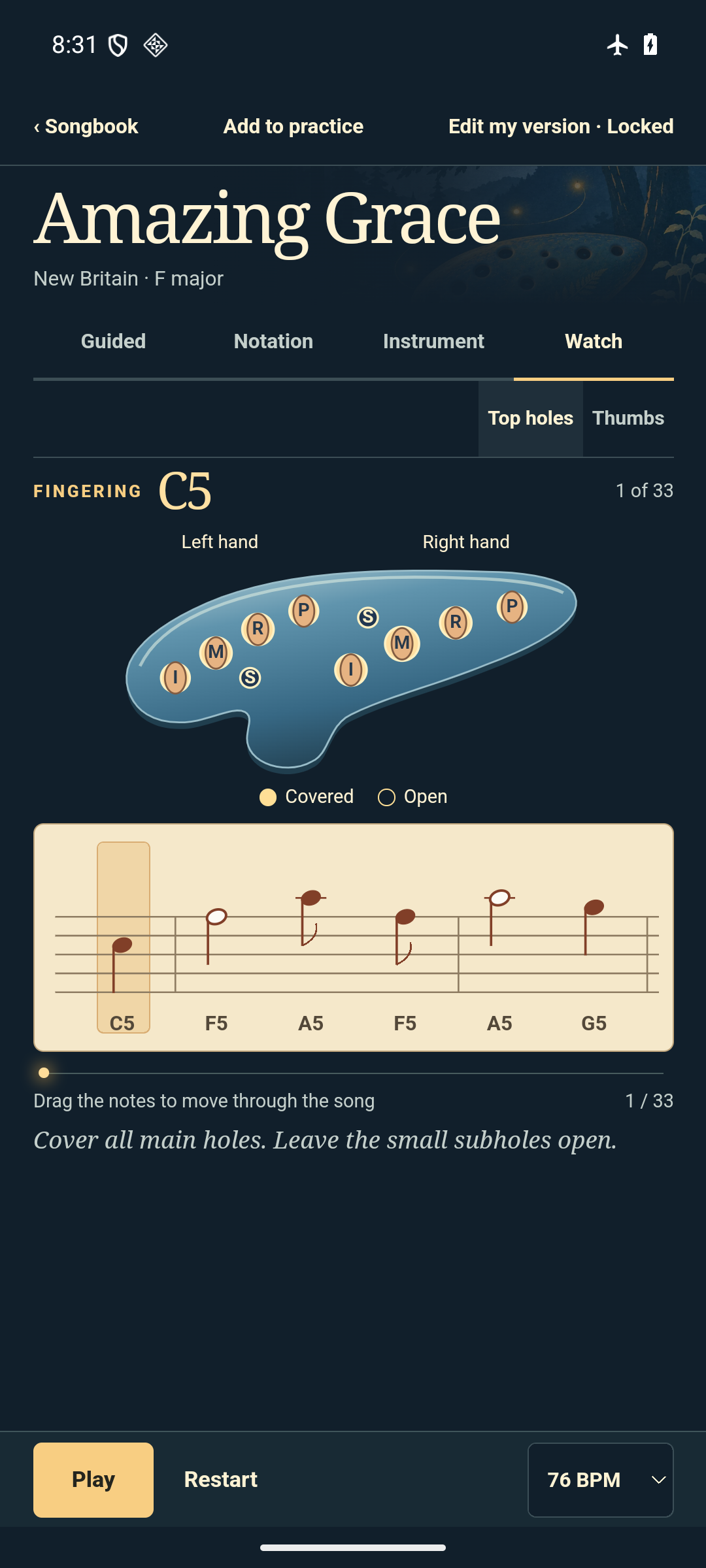
Ocarina Time for Android
Check back here for release and download details.
Last updated November 10, 2026.
This policy covers the Ocarina Time Android app from Bill Aicher LLC.
When you start the microphone in Guided and grant Android permission, Ocarina Time checks the pitch of your playing on your device while it listens. It neither saves nor sends the microphone audio. You can step through notes by hand and change microphone access in Android Settings.
Ocarina Time reads the MusicXML, PDF, or audio files you choose and processes them on your device. The PDF scanner uses a temporary copy in the app’s cache and removes it after processing. When you export a score, Ocarina Time writes it to the location you select in Android’s file picker. A cloud storage provider you choose handles that copy under its own privacy policy.
Saved songs, arrangements, practice progress, bookmarks, and settings stay in the app’s private storage on your device. Use My Songs to delete individual songs. Clearing app storage in Android Settings or uninstalling the app removes its local data. Manage original files and exported copies separately in the location where they are stored.
Ocarina Time does not collect or share your data. The app works without an account and contains no advertising or analytics.
For privacy questions, use the Bill Aicher LLC contact form. The website privacy policy explains how the site handles information you choose to send.